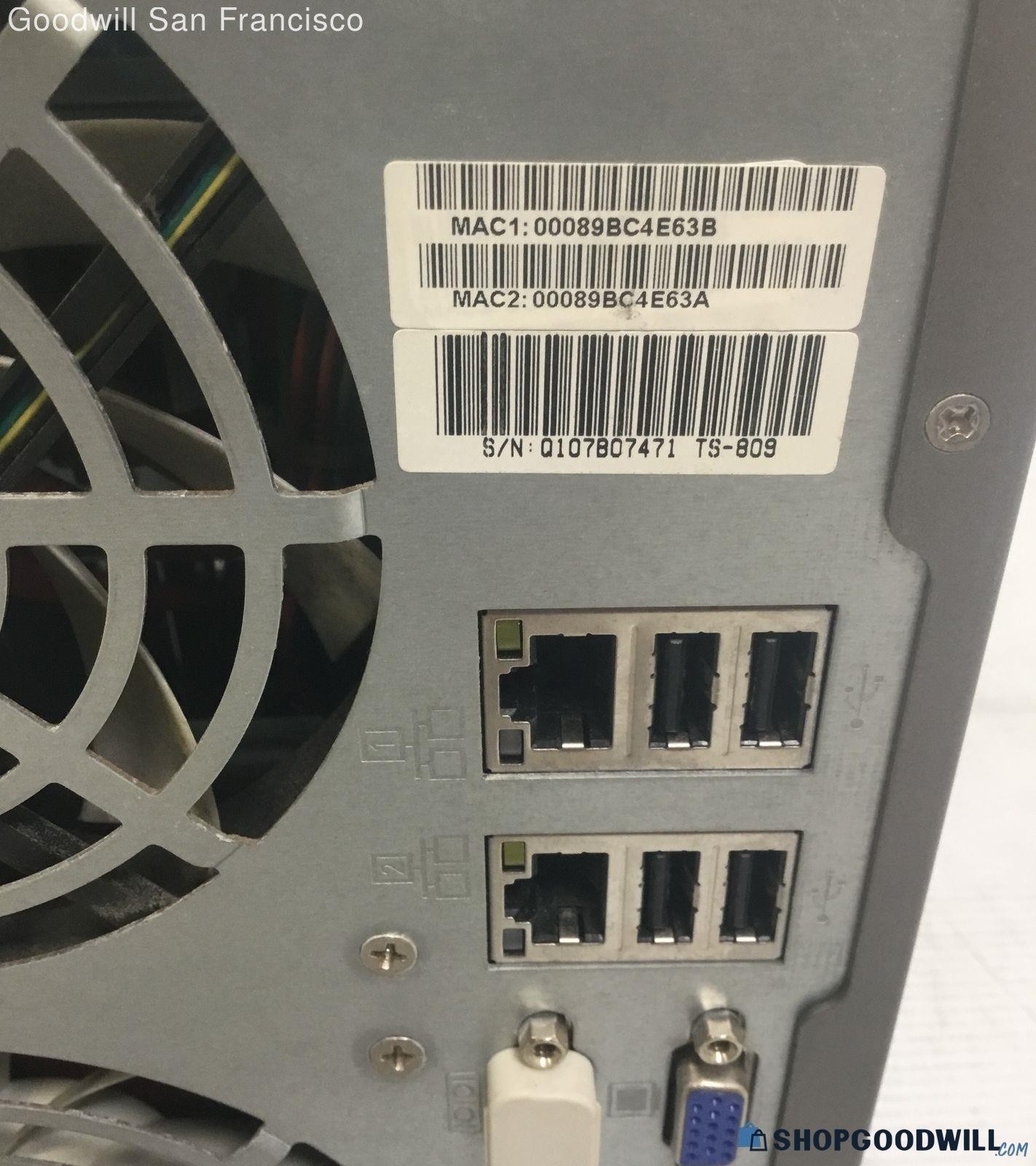
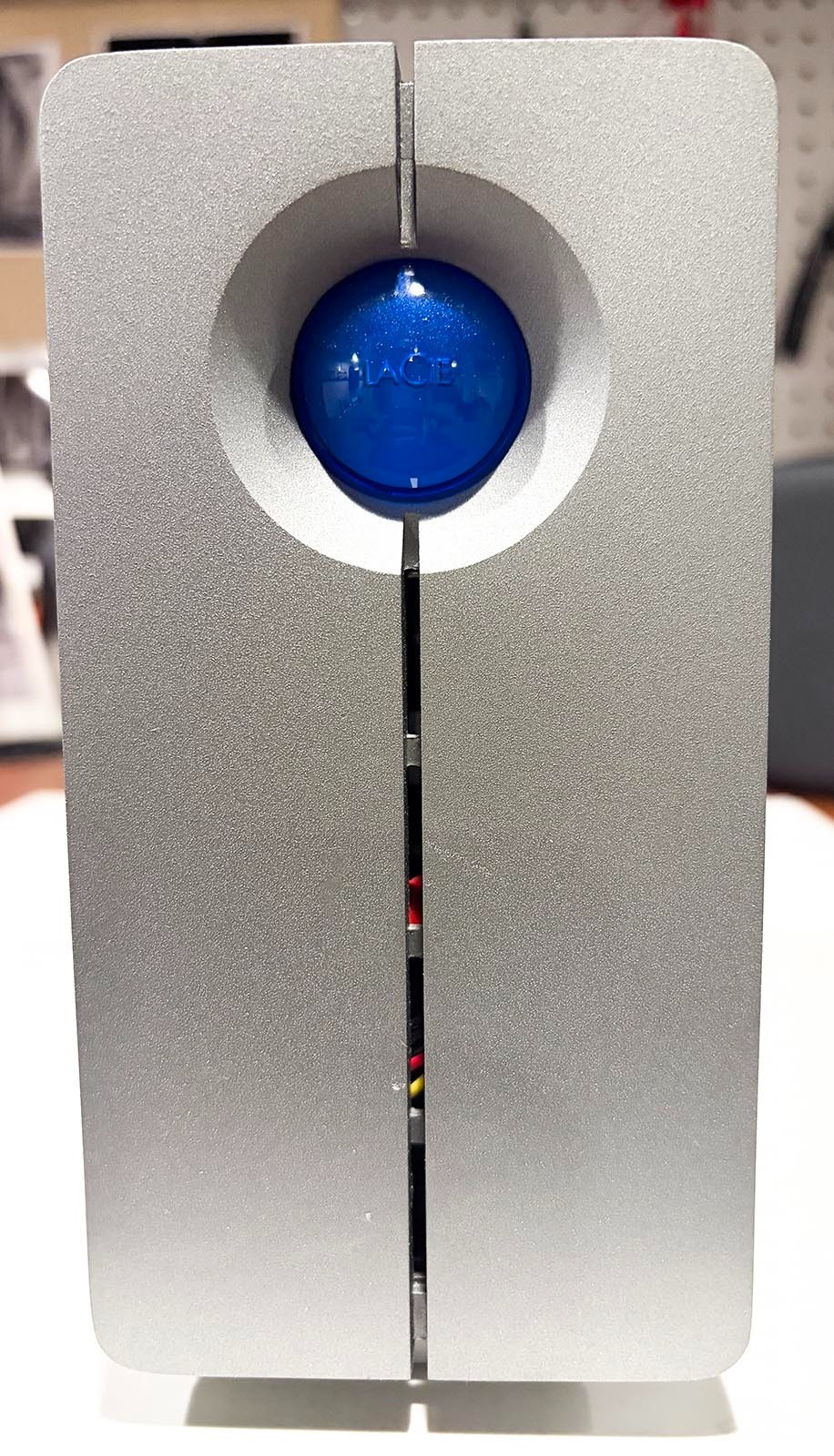
QNAP TS-809 Pro vs LaCie 2big NAS: Which Setup Fits You?
Compare the QNAP TS-809 Pro and LaCie 2big NAS by bay layout, connectivity, capacity, and setup considerations, then choose the better fit for expansion or everyday file and media storage.
Browse homelab & self-hosting hardware reviews with practical comparisons of use cases, features, trade-offs, prices, returns, and seller terms.
Compare the QNAP TS-809 Pro and LaCie 2big NAS by bay layout, connectivity, capacity, and setup considerations, then choose the better fit for expansion or everyday file and media storage.
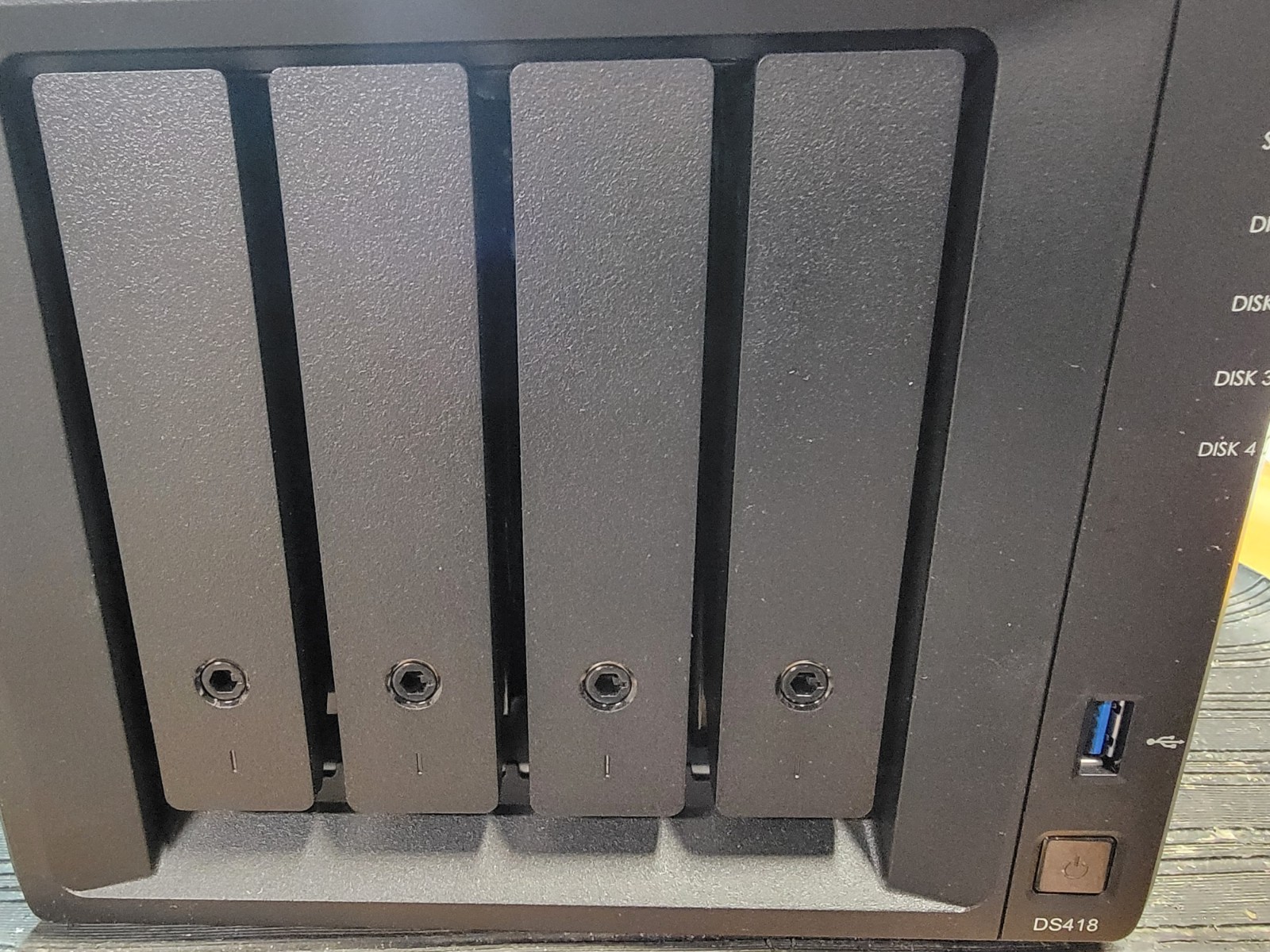
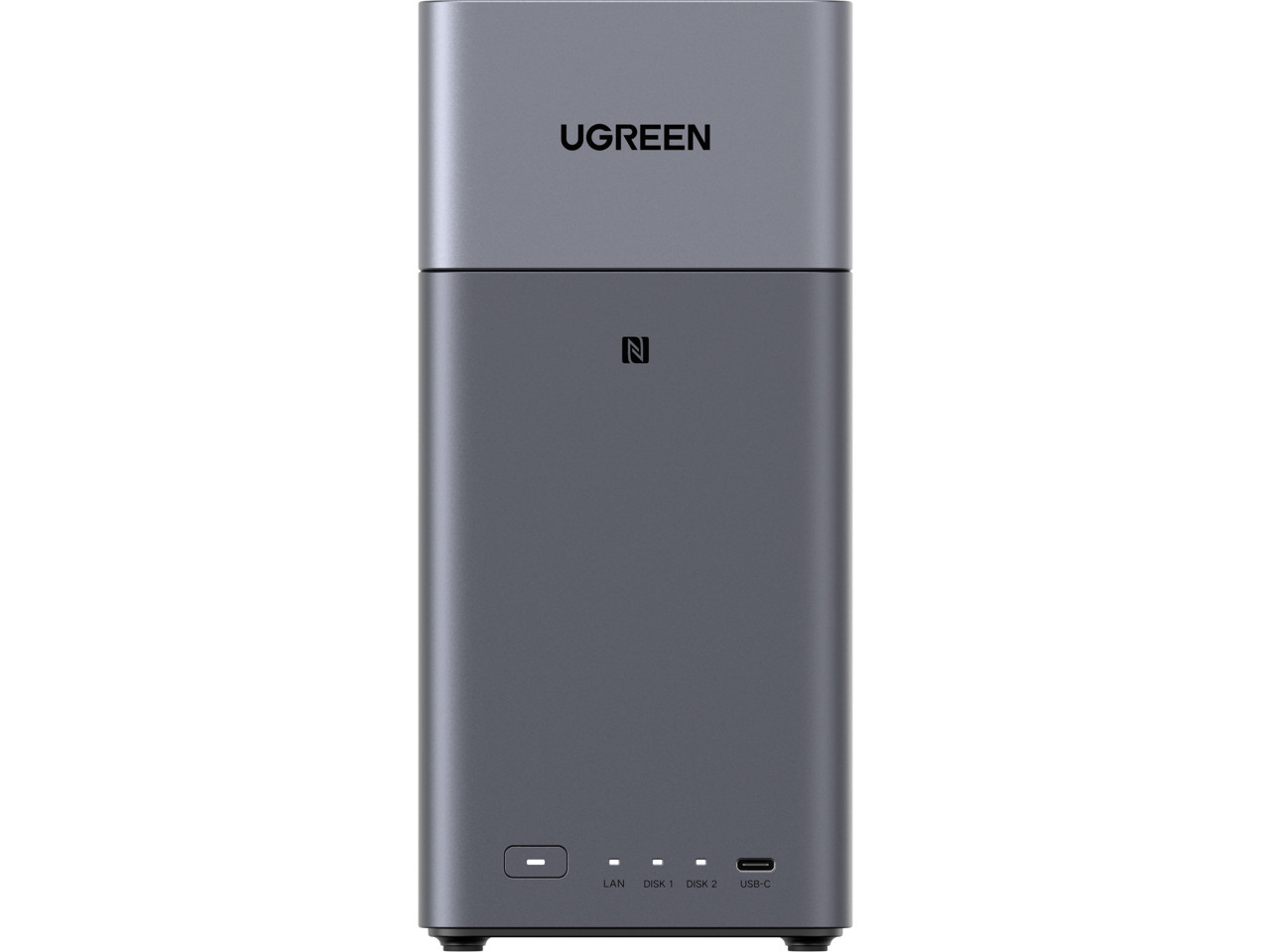
The Synology DS423 prioritizes a four-bay enclosure and explicit HDD support; the UGREEN NASync DH2300 emphasizes an 8-core CPU, 4GB LPDDR4X, beginner-friendly UI, and an HDMI cable. Choose based on storage layout versus setup hardware.
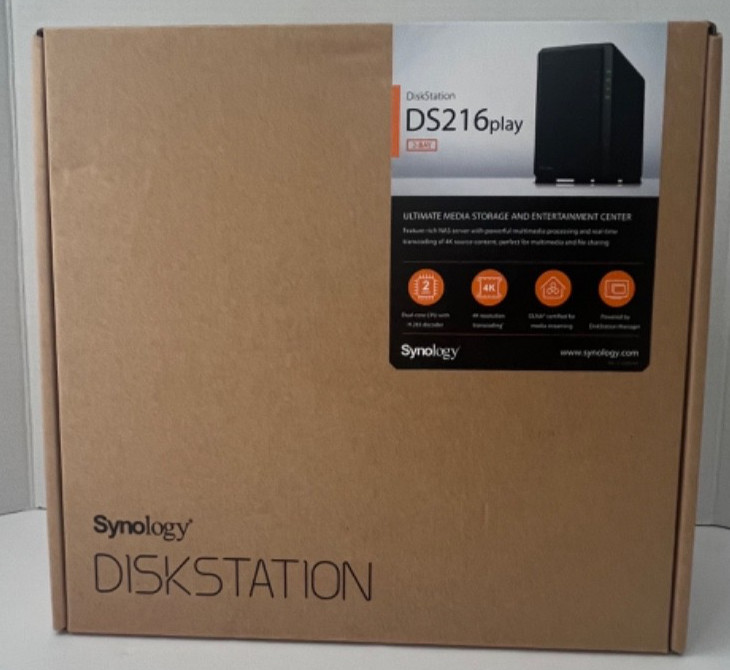
Synology DS216play vs UGREEN DH2300: one prioritizes broad device access and a straightforward NAS profile, while the other emphasizes HDMI and beginner-friendly setup. This guide matches each to a practical home use case.
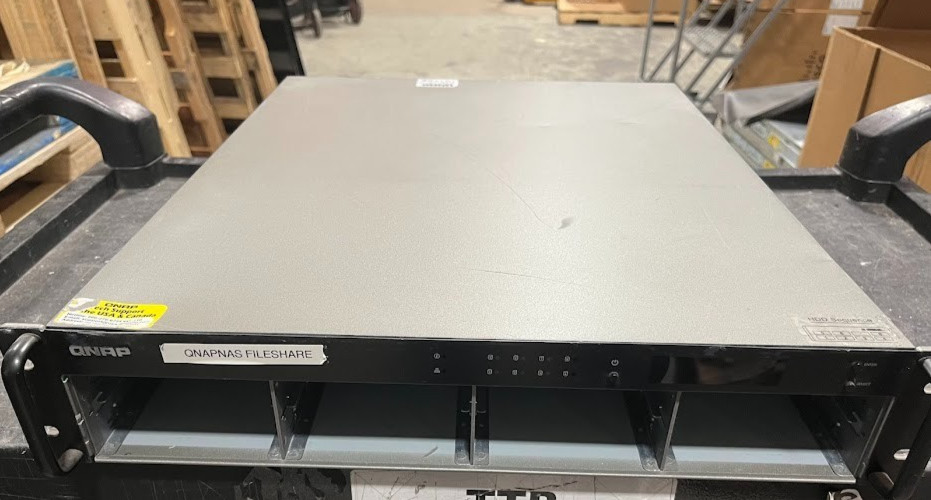
The QNAP TS-809U takes the server-style route with eight bays and rackmount hardware, while the UGREEN DH2300 focuses on approachable home storage. Compare the format, setup cues, condition, and price before choosing.
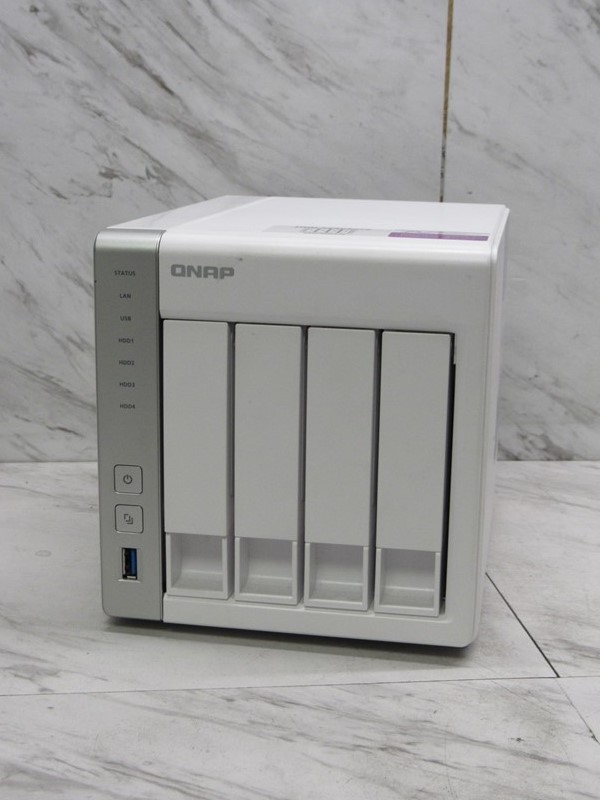
QNAP TS-431P2 emphasizes a four-bay personal-cloud enclosure at a lower listed price; UGREEN DH2300 is a new two-bay home storage hub with an HDMI cable. Compare setup scope, price, and use cases before choosing.
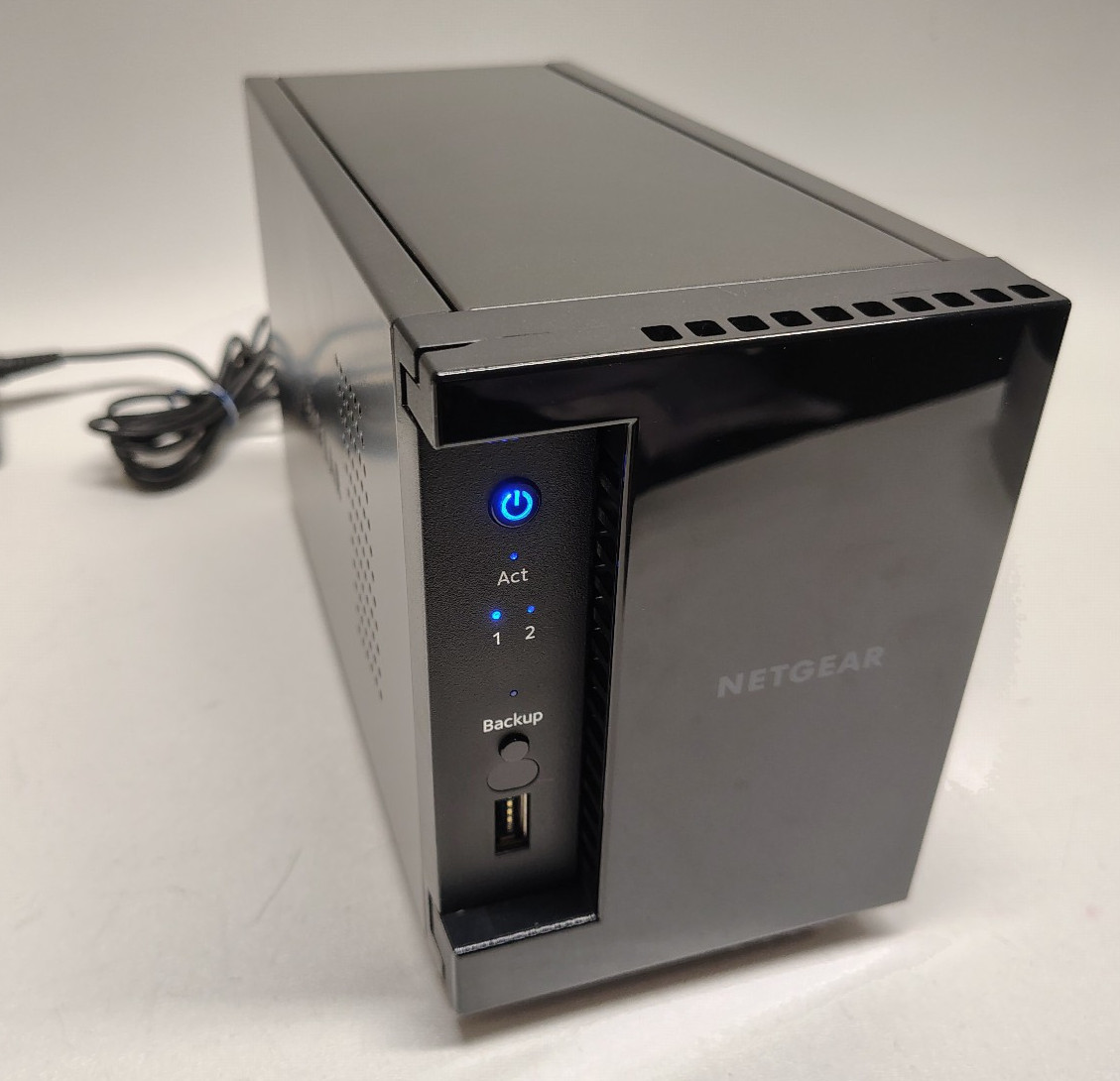
The $71 NETGEAR ReadyNAS 202 and $349.60 UGREEN DH2300 take different paths: hot-swap and Gigabit Ethernet versus new condition, HDMI, and a beginner-friendly UI. Here's which fits each home NAS setup.
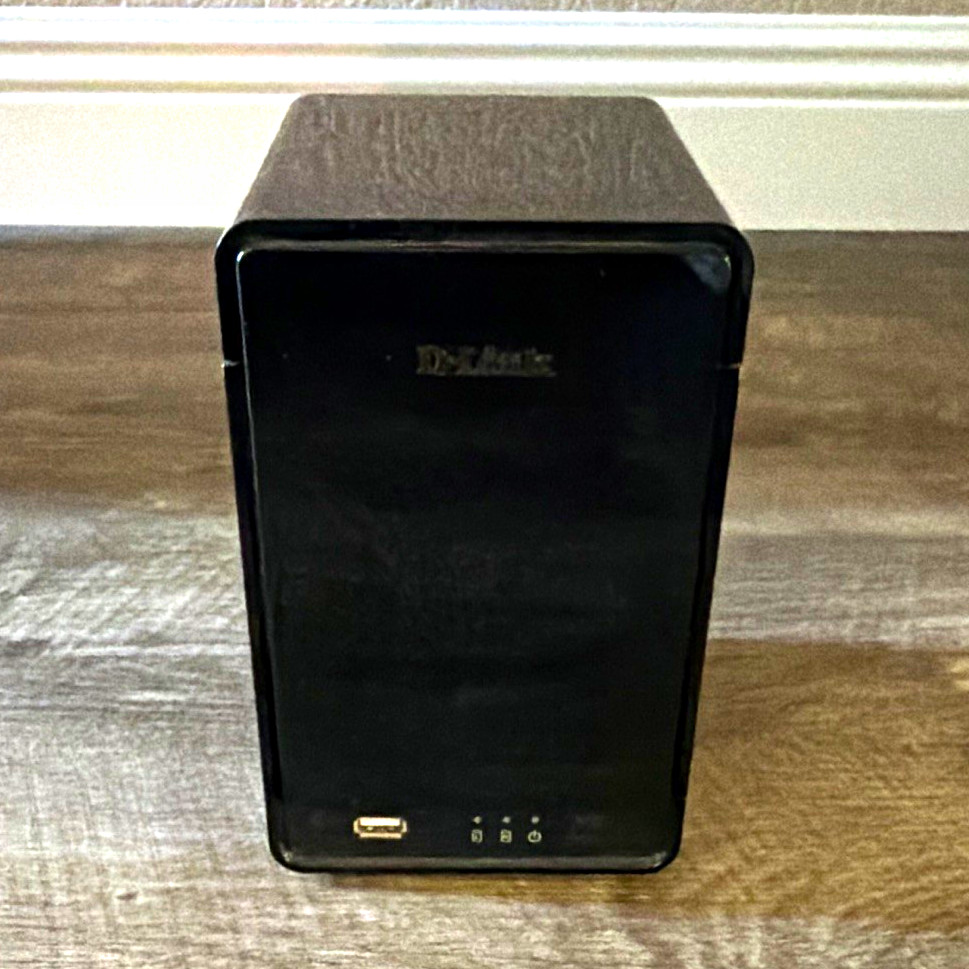
The D-Link DNR-326 favors a desktop Ethernet setup, while the QNAP TS-809U suits shoppers considering a rackmount server with Remote Access and separately planned drives. Here's how the price and format trade-offs affect the choice.
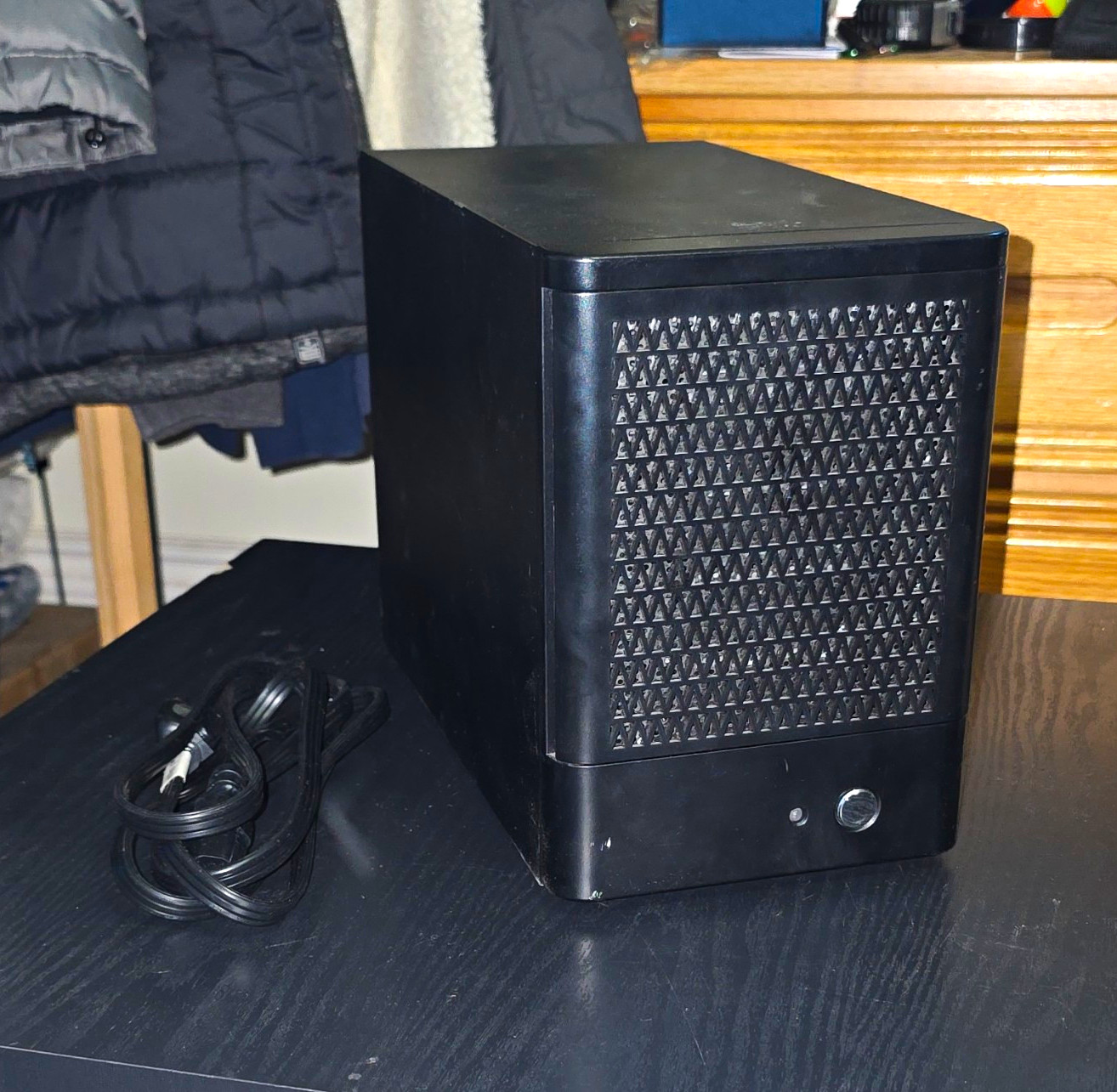
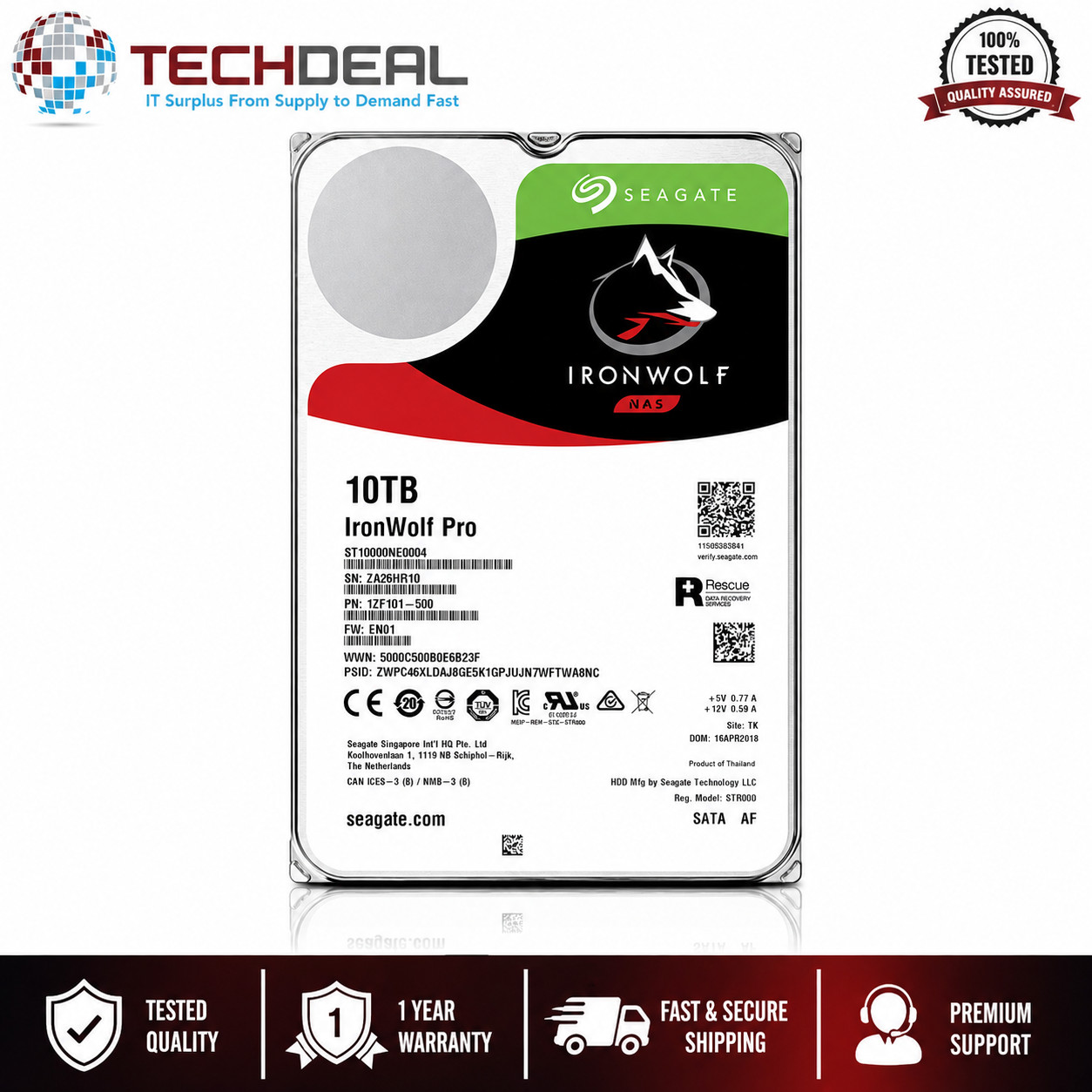
The 5-Bay NAS enclosure supplies the chassis; the Seagate IronWolf Pro 10TB supplies a NAS hard drive. Compare the $99.99 price spread, five-bay format, 10TB SATA capacity, and condition to choose the right role.
The $170 5-Bay NAS Enclosure offers five bays and drive trays, while the $349.60 UGREEN DH2300 brings two bays, HDMI, and a beginner-friendly interface. Here's which home NAS fits your priorities.
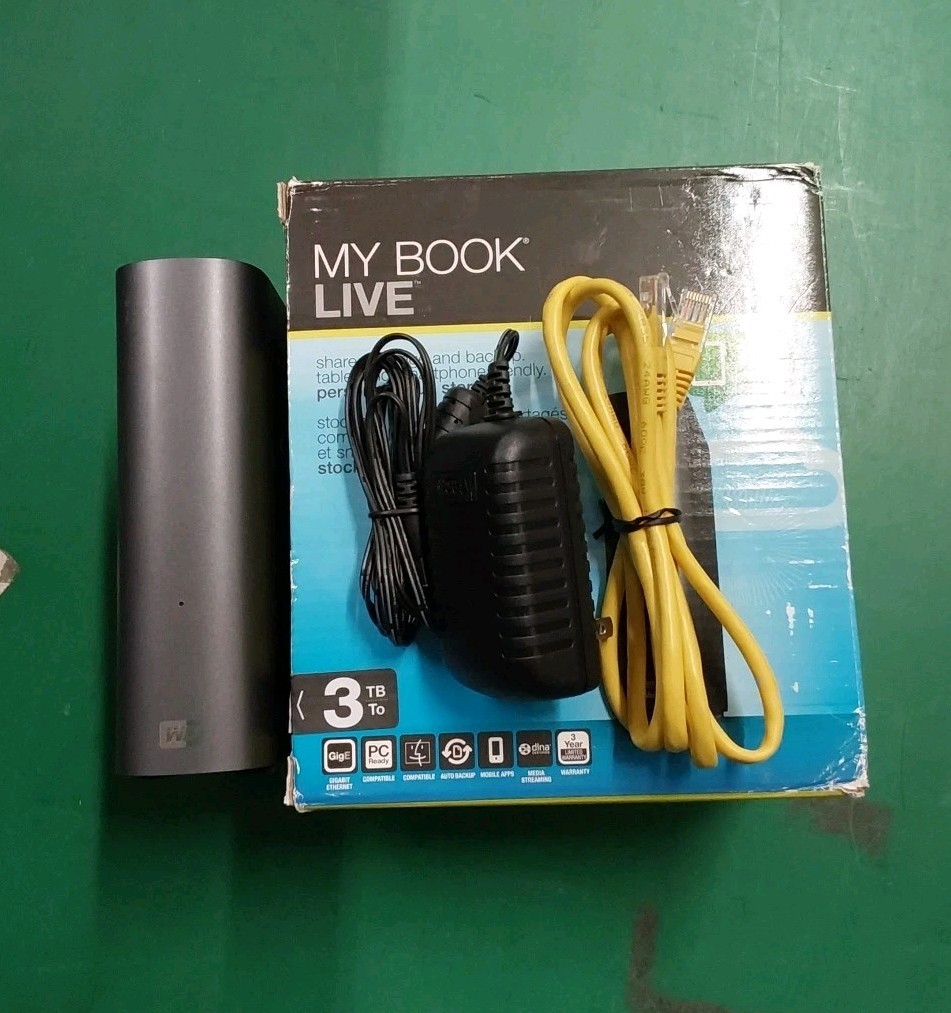
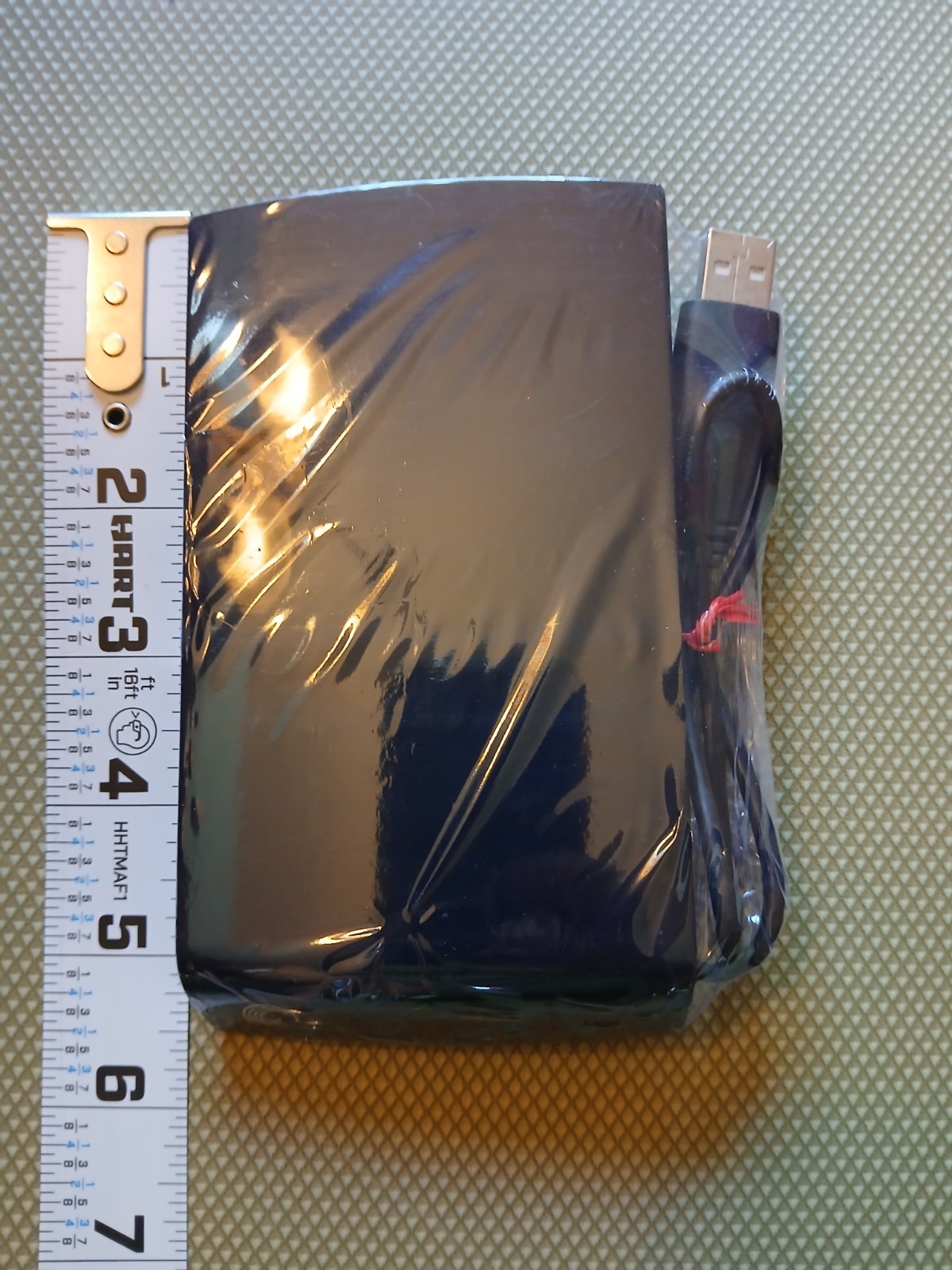
Compare the 3TB WD My Book Live and Seagate BlackArmor NAS 400 for NAS storage and drives: WD spells out personal-cloud file sharing, while Seagate costs $37.99 less and focuses on a NAS device.
The QNAP TS-809 Pro offers a named NAS setup with an installed 128GB SSD, while the 5-Bay Black NAS Enclosure takes a simpler enclosure-focused approach. Compare price, bays, configuration, and testing status before choosing.
Choosing between WD My Book Live and NETGEAR ReadyNAS 202? This head-to-head compares the $5.99 price gap, 3 TB cloud-storage focus, and two-bay hardware so you can match the NAS to file sharing or drive-bay priorities.
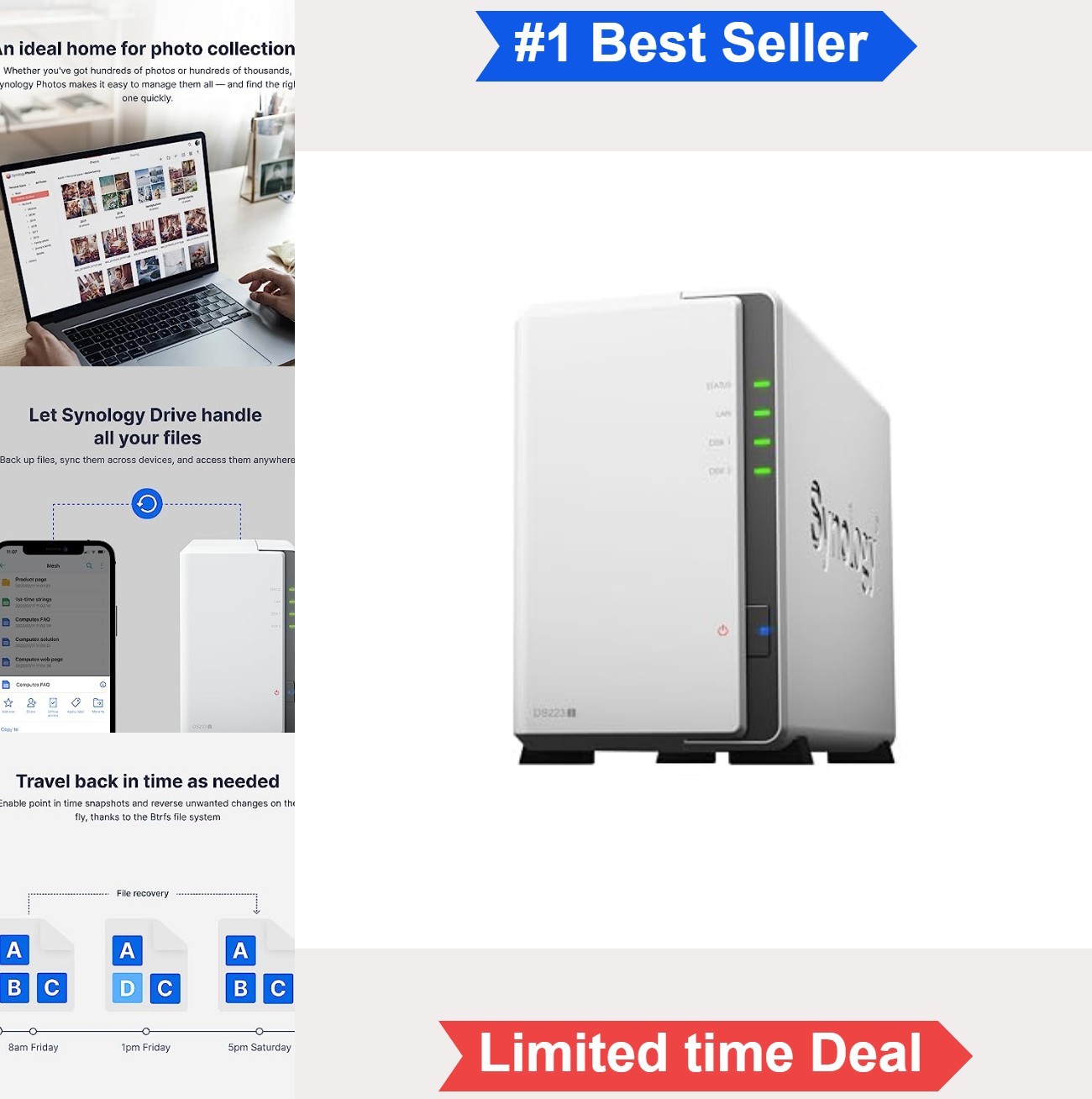
The QNAP TS-809 Pro offers eight bays and an installed 128GB SSD at a lower listed price, while the new 2-Bay NAS Enclosure is diskless and geared toward private-cloud access. Here's which setup fits.
The QNAP TS-809U brings eight rackmount bays at USD 270.75, while the Synology DS216play offers two bays, new factory-sealed condition, and broad device compatibility for USD 329.99.
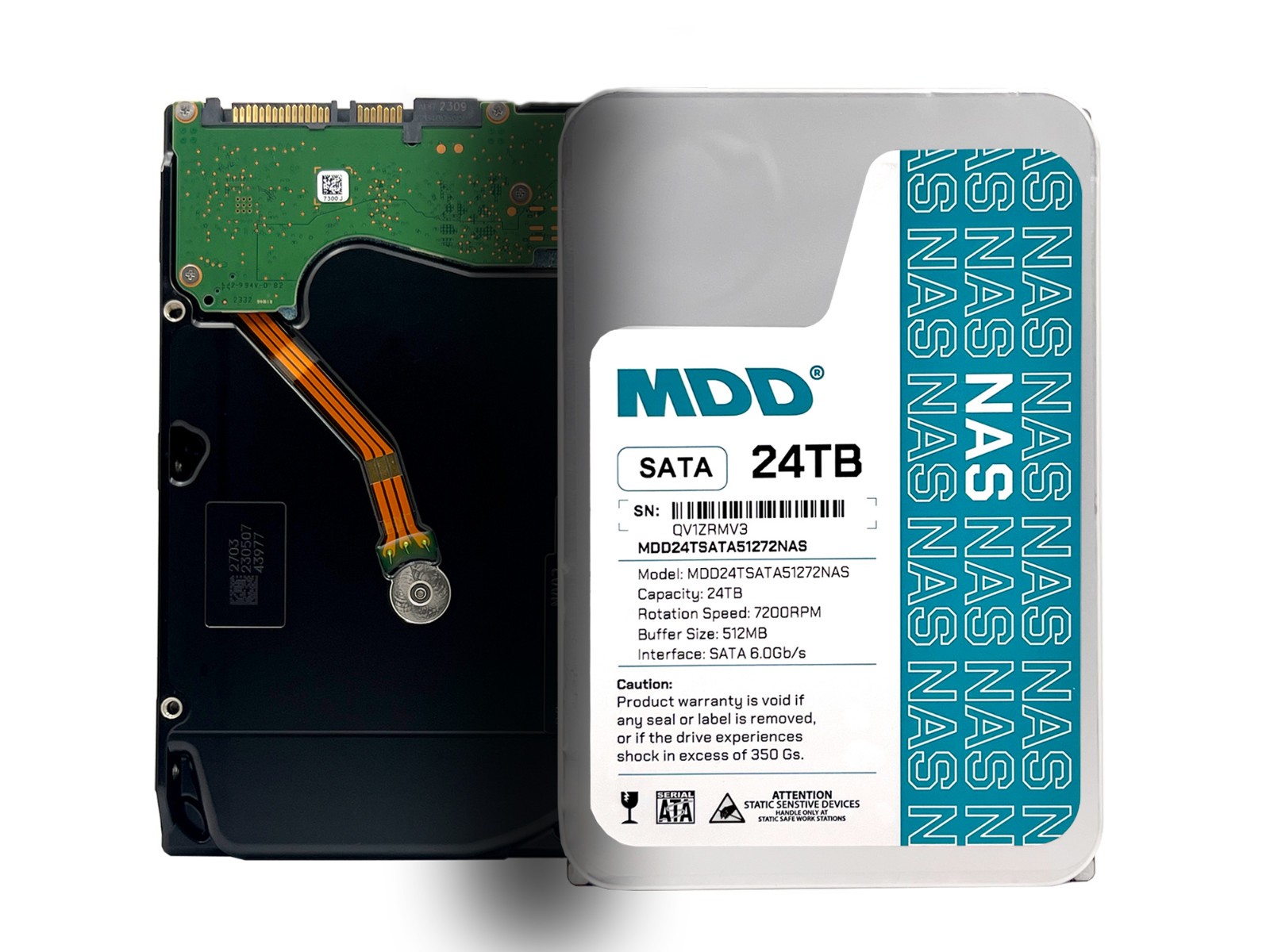
The 5-Bay NAS Enclosure and MDD 24TB NAS Hard Drive solve different parts of a home NAS. Compare their roles, used condition, features, and $339.95 price spread to choose the right component.
Compare a diskless 2-bay NAS enclosure with the UGREEN DH2300. The right pick depends on whether you prioritize quiet home backup and monitoring or specified hardware and a beginner-friendly interface.
WD My Book Live 3TB makes capacity and cloud sharing clear, while D-Link DNR-326 emphasizes Ethernet and a lower listed price. Choose based on whether storage amount or network connection comes first.
WD My Book Live offers a stated 3TB external-drive format for file and photo sharing, while the 2-Bay NAS Enclosure is a diskless home setup with Android compatibility. Choose a defined capacity or a two-bay enclosure.
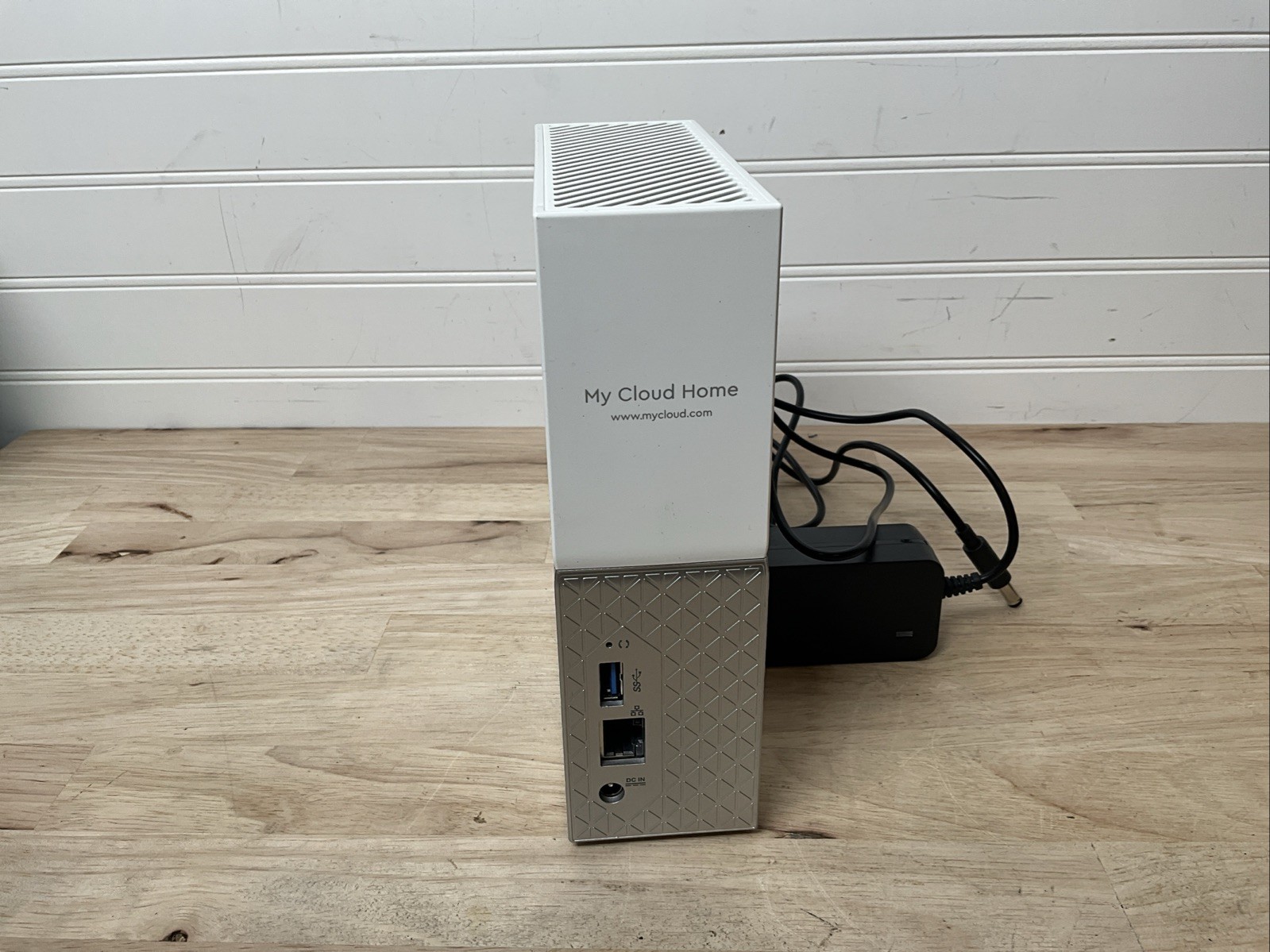
Choosing between a diskless 2-bay enclosure and a tested 4TB WD My Cloud Home? The enclosure suits private backups, Android access, and IP-camera monitoring, while the WD offers PC/Mac support and cloud storage at the lower listed price.
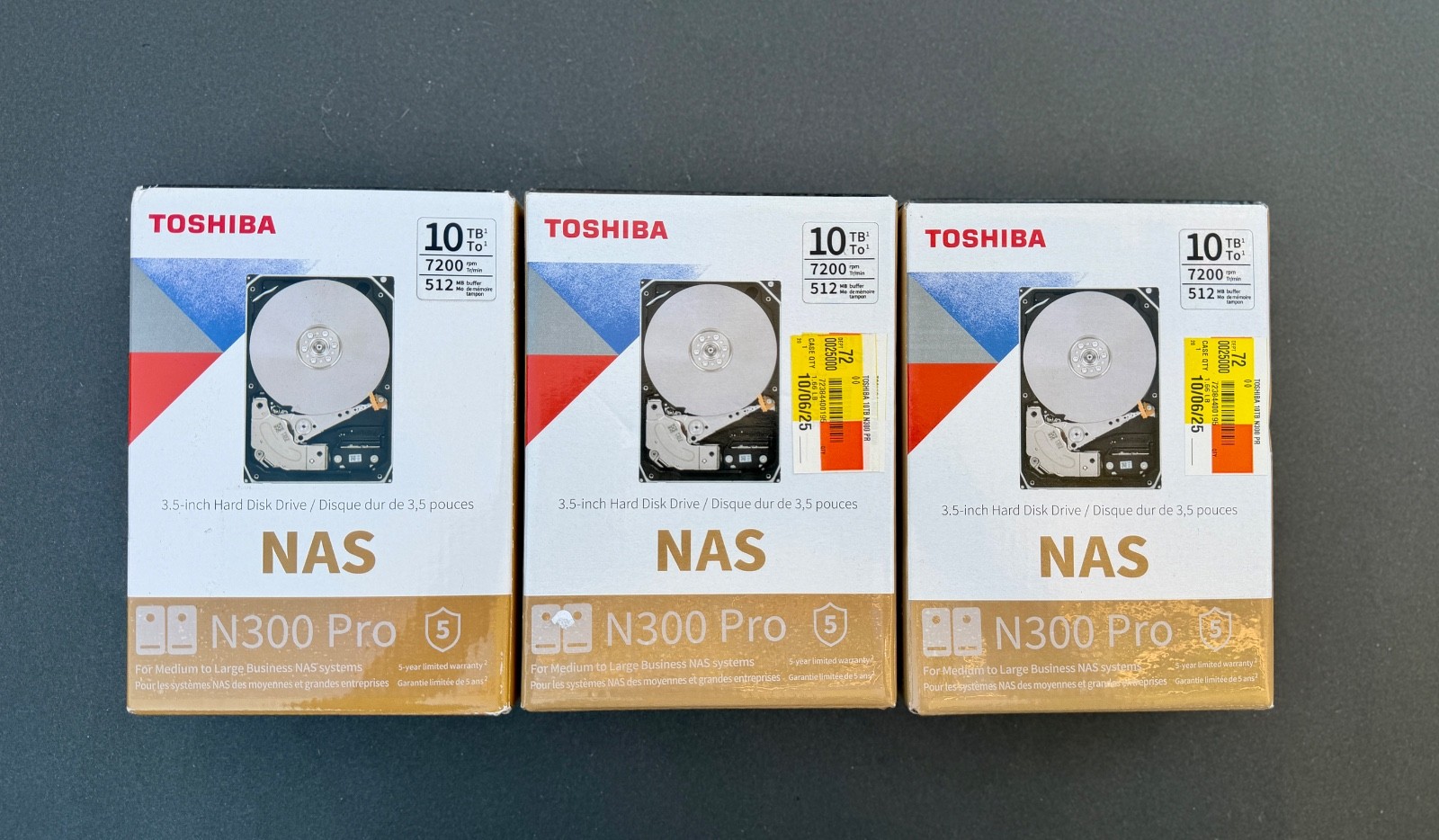
Seagate IronWolf Pro and Toshiba N300 Pro both offer 10TB NAS hard-drive capacity, but the $85.01 price spread separates a refurbished NAS-focused drive from a new, factory-sealed model with Mac, PC, and NAS compatibility. Here's which fits each use case.
The 5-Bay NAS Enclosure and QNAP TS-809U take different paths: one emphasizes drive trays and a lower listed price, while the other brings a rackmount format, named server features, and no HDDs or caddies.
Compare the NETGEAR ReadyNAS 202's hot-swap bays and dual Gigabit Ethernet with the QNAP TS-809U's 2U rackmount format, remote access, and no-HDD/no-caddy configuration to choose the better fit.
WD My Book Live and the 5-Bay Black NAS Enclosure serve different home NAS needs: one offers a defined 3 TB personal-cloud role at USD 76.99, while the other centers on five bays and drive trays at USD 170.00.
Compare WD My Book Live 3TB and WD My Cloud Home 4TB for a home NAS: the $73 listed-price spread, file sharing, PC/Mac access, Ethernet, USB 3.0, and capacity clarify which setup fits.
The 2-bay enclosure centers on home cloud backup, monitoring, and Android compatibility; the QNAP TS-809U emphasizes an 8-bay 2U rackmount format, remote access, and used Grade B condition. Compare the trade-offs before choosing.
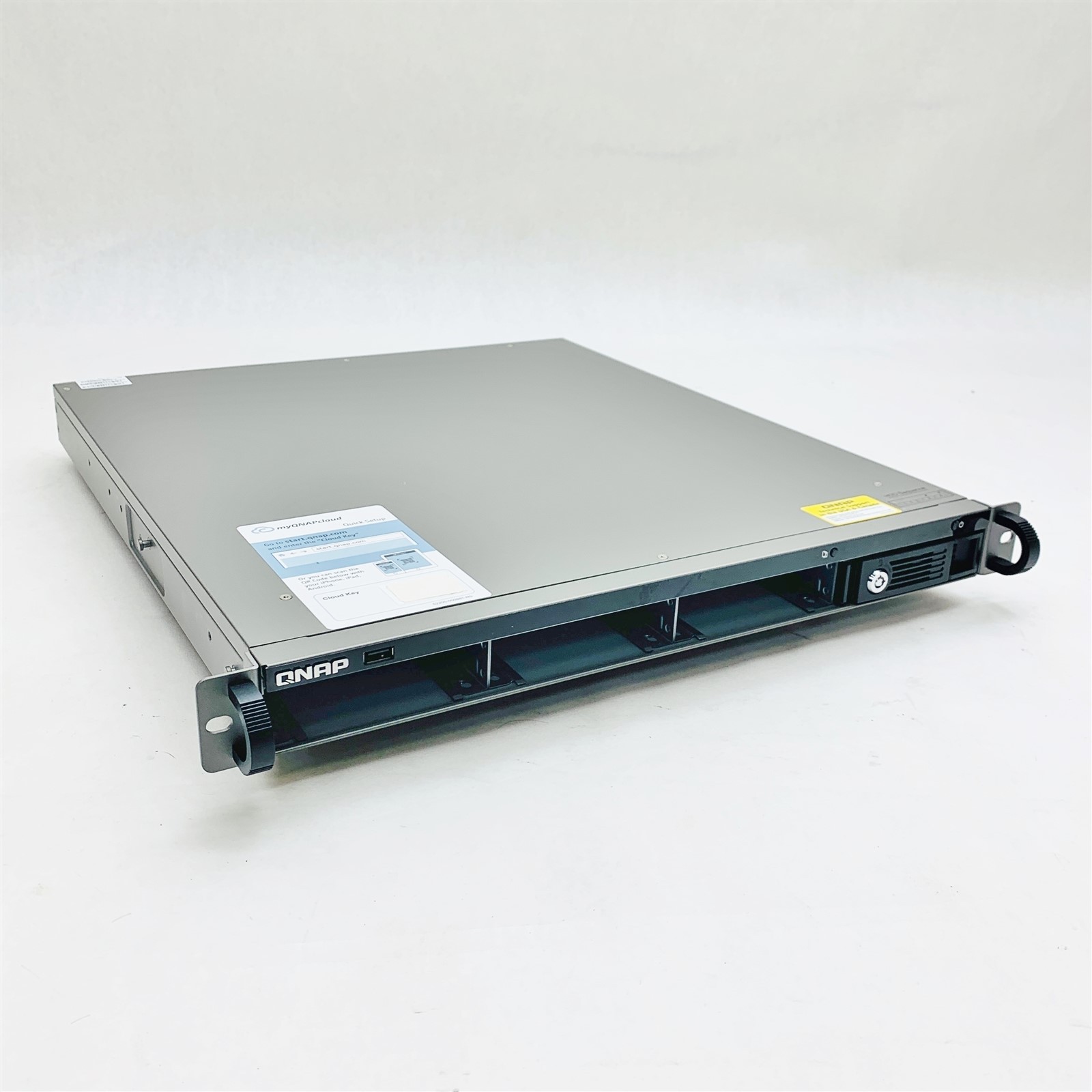
Compare the QNAP TS-809 Pro and Qnap TS-451U on price, bay configuration, included storage, and setup limitations to choose the better fit for your NAS storage needs.
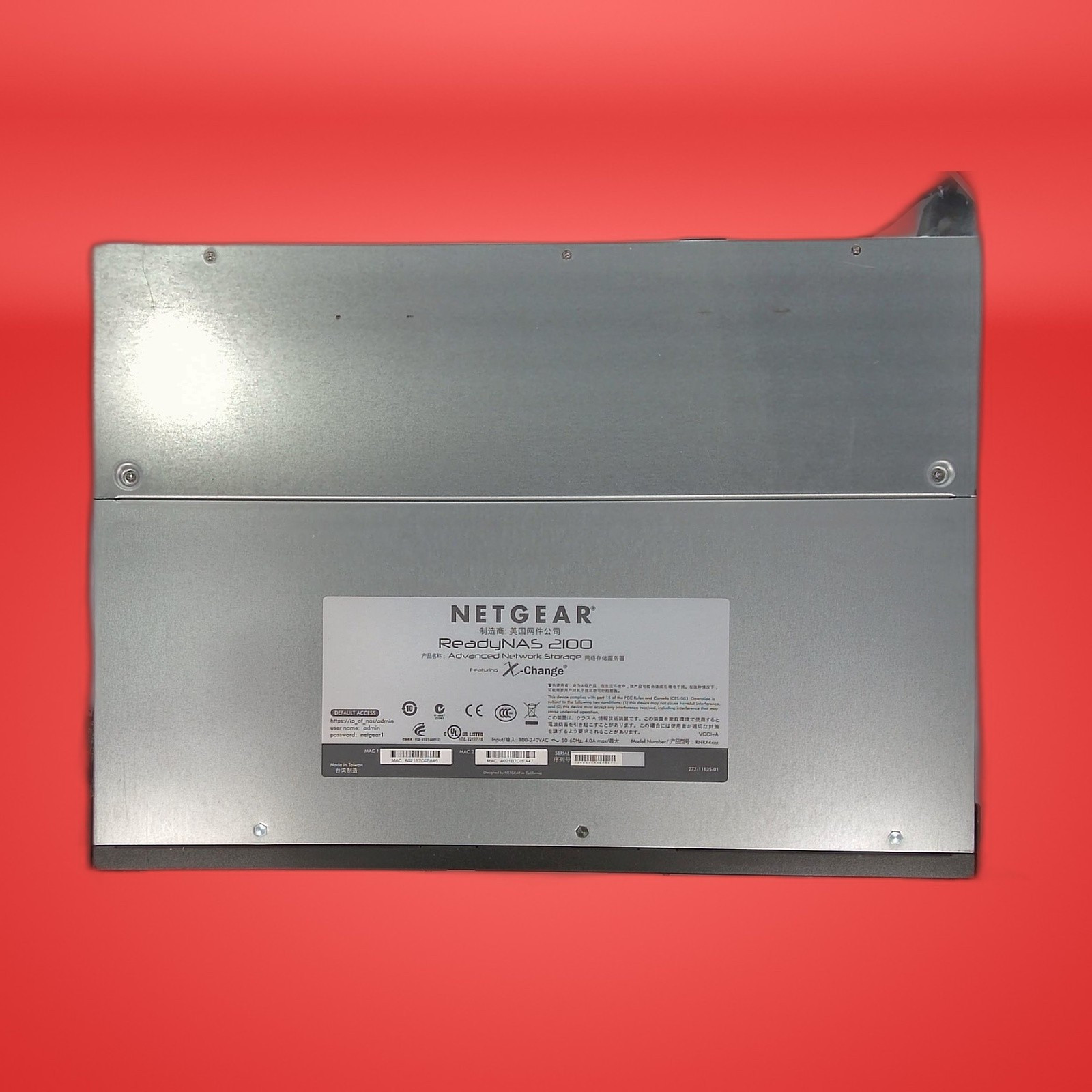
The Netgear ReadyNAS 2100 costs less and lists PC/Mac compatibility, while the QNAP TS-809U offers an 8-bay rackmount design, remote access, and 1 GB cache.
Netgear ReadyNAS 2100 and Synology DS423 differ most on listed price, computer compatibility, and connection detail. Choose Netgear for PC-and-Mac access and the lower price, or Synology when Ethernet is the deciding specification.
Synology DS423 offers a defined 4-bay enclosure with HDD support and Ethernet, while Seagate BlackArmor NAS 400 series is listed at $39 as an external drive. Compare the $311 spread and choose by setup.
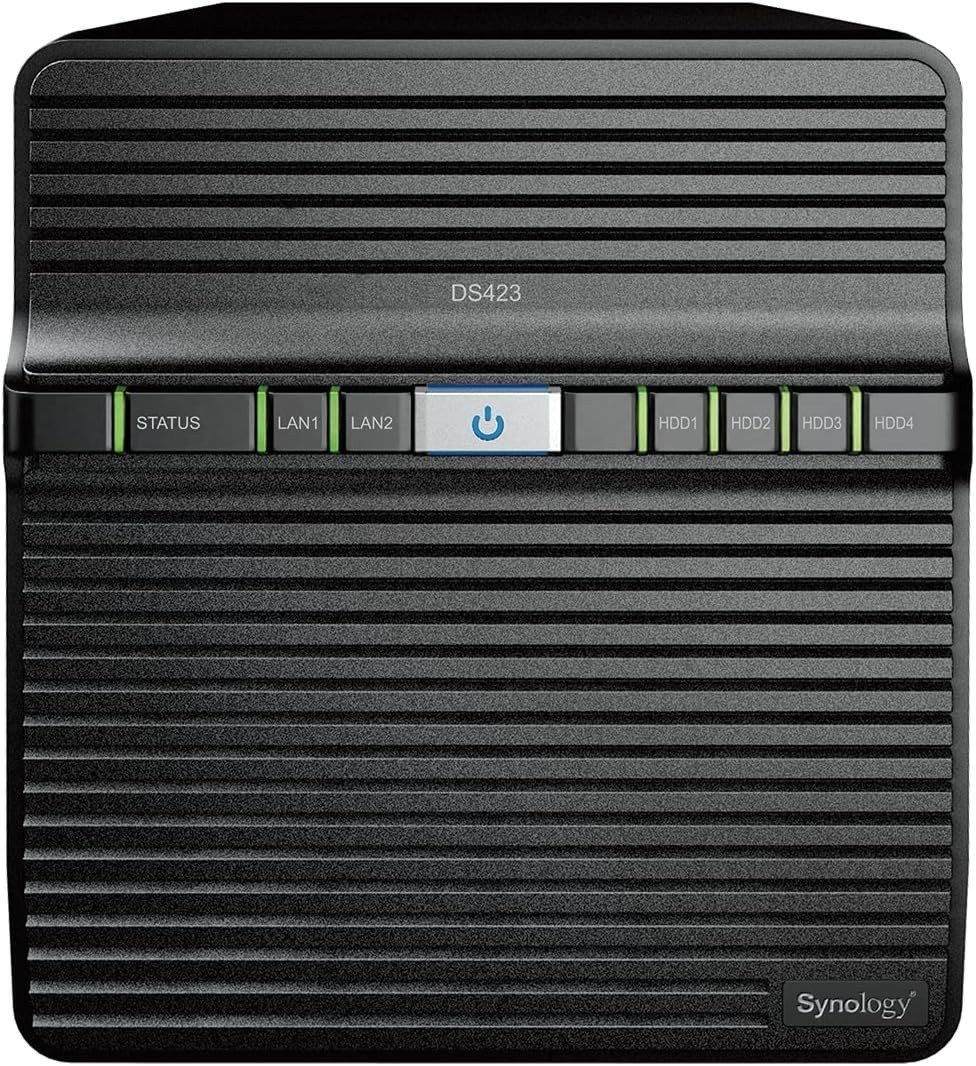
Netgear ReadyNAS 2100 and Synology DS423 are four-bay NAS enclosures with a $225 price spread. Netgear lists PC and Mac compatibility, while Synology lists 2.5- and 3.5-inch drive formats plus specified hardware.
The Qnap TS-451U costs $249.99, while the QNAP TS-809U costs $270.75. Compare their listed bay formats, rackmount design, features, and drive requirements to choose the better NAS fit.
Compare the QNAP TS-809 Pro and Qnap TS-431P2 on bay format, the $127.54 price spread, and setup contents to choose the NAS that fits your storage plan.
The Netgear ReadyNAS 2100 pairs a lower listed price with four bays, while the Synology DS216play offers a new, factory-sealed two-bay design and broader device compatibility. Compare the trade-offs to choose the right NAS for your setup.
Synology DS423 and Qnap TS-451U take different paths: the DS423 offers more explicitly listed enclosure and connectivity details, while the Qnap has the lower listed price and server-oriented hardware wording.
Choosing between a lower-cost Seagate NAS device and the four-bay Synology DS423 comes down to upfront price versus enclosure format, drive support, and a more defined multi-drive setup.
The Netgear ReadyNAS 2100 and Qnap TS-431P2 differ in the setup details that matter for a home NAS: PC/Mac and HDD support on the Netgear, four caddies on the Qnap. Compare the trade-offs before choosing.
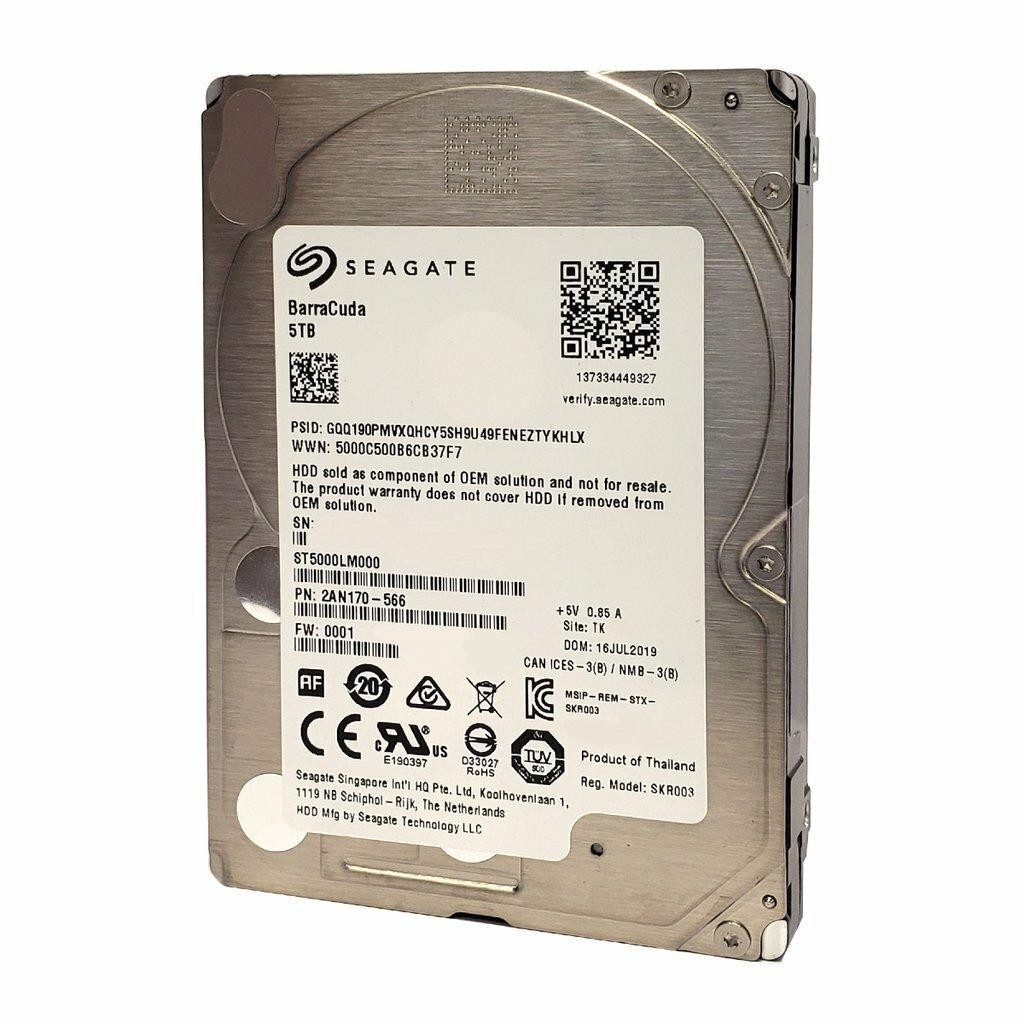
Seagate IronWolf Pro 10TB is framed for NAS, server, and high-capacity storage, while Barracuda 5TB targets compact storage and NAS backups. Compare the $128.45 price gap, form factor, and condition before choosing.
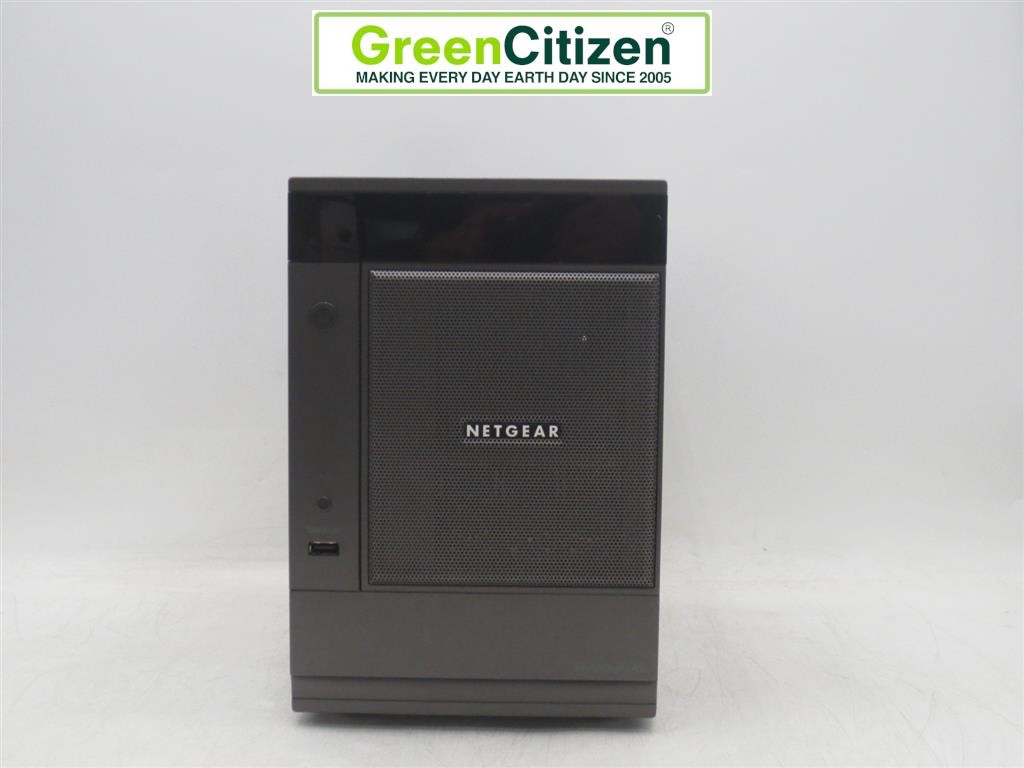
NETGEAR ReadyNAS RND-6A emphasizes an explicit 6-bay format and named RJ-45 and USB-A connections, while Seagate BlackArmor NAS 400 series centers the choice on a lower listed price. Here's which fits each use case.
The QNAP TS-809 Pro and TS-809U differ most in format and storage starting point: desktop with an installed SSD versus 2U rackmount with no HDDs or caddies. Here's which setup each suits.
Synology DS423 and Qnap TS-451U differ on condition, price, and hardware details. Compare the $125 spread, four-bay versus 4-LFF format, and drive-free configurations to choose the better fit for your NAS storage & drives plan.
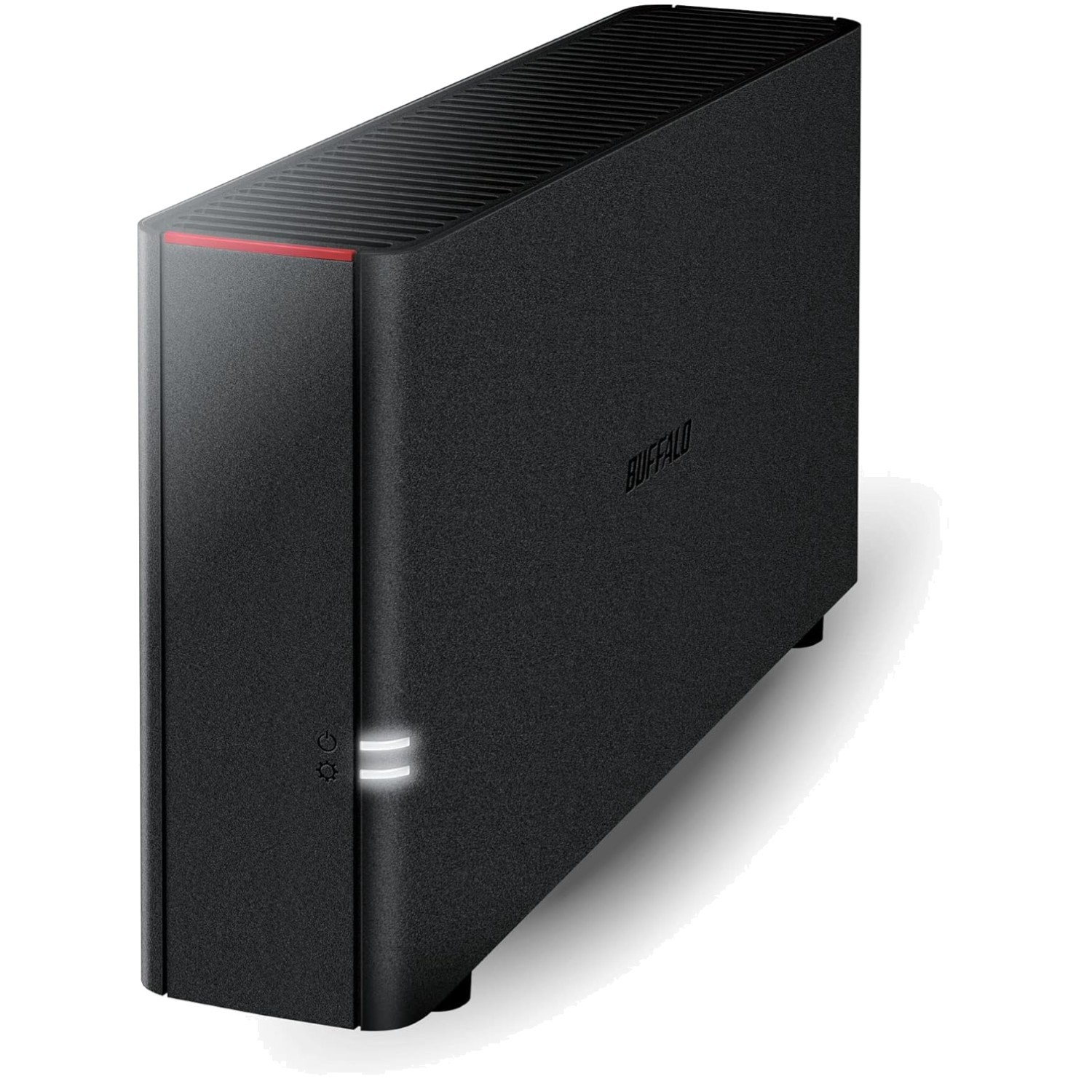
LinkStation 210 2TB favors a new, one-bay NAS with Windows/macOS support and backup features; Synology DS423 brings a four-bay Ethernet enclosure but is used and includes no drives. The $95.76 spread clarifies the choice.
The Netgear ReadyNAS 2100 brings a specified rackmount, four-bay design with HDD support, while the Seagate BlackArmor NAS 400 emphasizes a lower listed price. Compare structure, connections, and condition to choose the right NAS storage option.
NETGEAR ReadyNAS RND-6A and Qnap TS-451U go head to head on price, bay wording, connectivity, and listed hardware. Choose NETGEAR for the lower listed price or Qnap for its named CPU and RAM details.
Qnap TS-431P2 favors a personal-cloud setup with included caddies and a lower price, while QNAP TS-809U offers an 8-bay 2U rackmount format with Remote Access. Here is which NAS fits each use case.
LinkStation 210 offers a defined 2TB, 1-bay setup for Windows and macOS, while the Synology DS423 provides a diskless four-bay enclosure. The right choice depends on simplicity, drive planning, and a $120.75 price gap.
Compare the MDD 24TB and Seagate IronWolf Pro 10TB NAS hard drives by listed price, capacity, condition, Hot Swap, and NAS/server workload positioning to find the right fit for your setup.
LinkStation 210 and Qnap TS-451U are close in price but suit different NAS plans: one names a 2TB, one-bay setup for Windows/macOS sharing; the other is a used, no-HDD server configuration. Choose by the setup that fits.
Compare LinkStation 210 and Qnap TS-431P2 for NAS storage: LinkStation offers a clearly described Windows/macOS workflow, while Qnap shifts the decision to bay layout and an $84.29 listed-price gap.
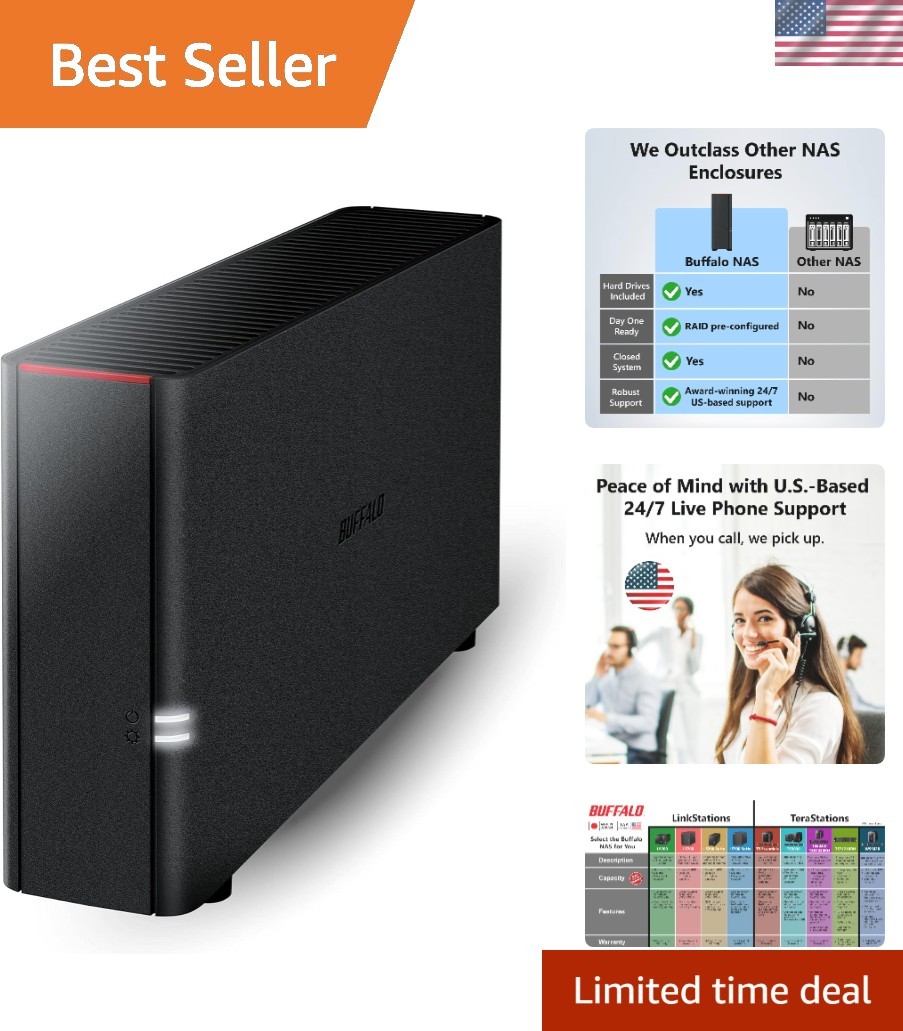
Synology DS423 vs LinkStation 210 comes down to enclosure flexibility versus a defined 2TB backup-and-sharing setup. Compare the used, drive-free DS423 with the new LinkStation at a $81.01 lower listed price.
LinkStation 210 and Seagate BlackArmor NAS 400 take different routes: one is a new, one-bay network-storage setup; the other is a used external drive at a much lower listed price. Here's which fit makes sense for each use case.
Finding more guides for you…